
The primary goal of applying BIM technology for project schedule management is to establish a 3D model, develop a BIM information platform, and leverage the functional advantages of BIM in managing project timelines. Once the design phase of an engineering project is completed, the initial 3D model should be created to provide a solid foundation for implementing BIM technology in subsequent progress management.
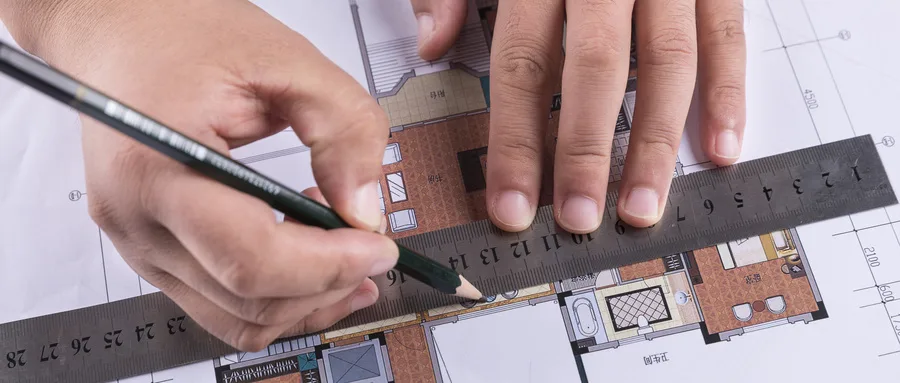
Creating 3D models relies heavily on information technology and architectural design software, with BIM core modeling software serving as the primary tool. In practice, software like Revit is used to build 3D structural, architectural, and MEP (mechanical, electrical, and plumbing) models for projects or individual buildings. After completing the 3D modeling, additional BIM software is used to extract information from the model, perform necessary analyses and checks, and further enhance the 3D information model. This refined model then supports BIM-based project schedule management.
A key feature of Revit is its parametric design method, which centers on a parametric modification engine and parametric building elements. Revit offers a wide range of building components—such as doors, windows, walls, columns, floors, roofs, and stairs—that can be quickly activated. Adjusting parameters allows for variation in identical component types, like windows of different widths and heights, walls of varying thicknesses, or columns of diverse sizes. These components are intelligently linked to one another. Revit also supports custom families for architectural components, enabling flexible adaptation to architects’ innovative needs. Users input data once during design, which can then be updated and applied across the entire project. Additionally, Revit boasts powerful visualization capabilities, producing rendered animations saved as AVI files and generating detailed real-time schedules and quantity takeoffs for buildings and structural elements.
Using Autodesk Revit software to parametrically model the architecture, structure, and MEP aspects of a project typically involves three main steps: preparation, 3D modeling, and post-processing.
Structural modeling usually covers concrete components such as beams, floors, roofs, and columns. The typical workflow begins with foundation beams, followed by columns, beams, and floors. Throughout the modeling process, accuracy in dimensions, heights, and materials for each element is critical, and each component is named according to standardized conventions.
Architectural modeling generally includes floors, walls, doors, windows, and stairs. The size, height, material, and standardized naming of each component are essential. Once architectural modeling is complete, it must be integrated with the structural model.
Modeling of MEP systems primarily involves water supply and drainage, HVAC systems, and electrical systems. The typical sequence for modeling these systems is heating and ventilation pipes first, followed by cable trays for power and communication, then water supply and drainage pipes, and finally fire protection pipes.
















Must log in before commenting!
Sign Up