
Establishing a BIM model is a crucial step when applying BIM technology to construction projects. The model should adhere to the following principles:
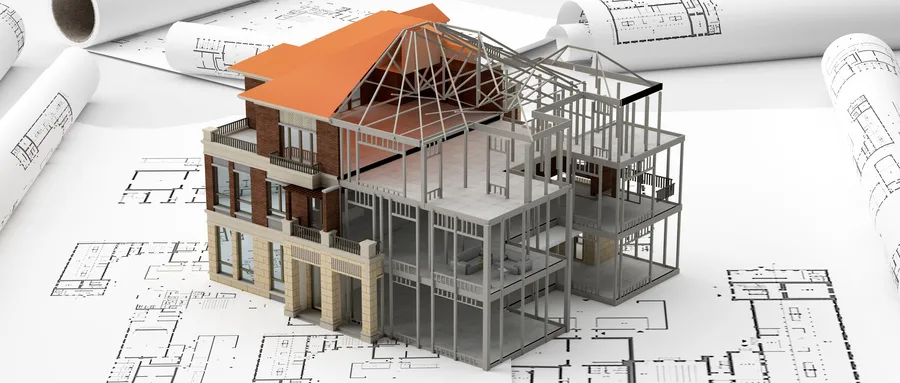
1. Principle of Consistency: The BIM model must accurately reflect the CAD drawings and keep pace with the detailed design and updates at every project stage. The model should include detailed internal information such as the name, material, and specifications of each component.
2. Principle of Rationality: The model should realistically represent the construction, with a layered structure based on elevation. For example, it is strictly prohibited for a support column to extend from the foundation’s bottom layer all the way to the top layer unless this matches the actual construction. The model should be based on the true starting and ending elevations.
3. Principle of Accuracy: The locations and coordinates of key reference points—such as transverse points and the start and end points of primary components like beams and walls—must be precisely set according to the actual design. This ensures no abnormal overlaps or intersections occur, such as beams or walls overlapping with columns. Additionally, the automatic overlap modeling system between floor slabs, columns, and beams should be updated promptly to reflect real conditions.
Modeling Process:
Step 1: Template Setup — Define the project base point, load commonly used families, set project units, choose the model style, and configure other necessary details based on the project overview and construction design drawings.
Step 2: Model Creation — Establish elevations and grid axes as per the drawings, create structural component models, site component models, and large mechanical component models.
Step 3: Model Review — Verify the completeness of structural components and ensure all component information is accurate, aligning with the project’s BIM objectives.
Step 4: Add Model Information — Input the basic data and information required for the BIM model.
















Must log in before commenting!
Sign Up