

SketchUp 2022 is the latest release of the Sketch Master software—a user-friendly and practical 3D modeling tool designed to help you create ideal models efficiently. It offers an extensive modeling database for reference, which can be easily edited and adjusted throughout the design process to ensure a smooth workflow.
What Is SketchUp?
SketchUp is a 3D modeling software primarily used for design purposes. It empowers designers to fully express their creative ideas while facilitating real-time communication with clients. This tool enables direct digital conceptualization and is excellent for developing architectural design schemes in 3D.
Key Features of SketchUp
Enhanced Cutting Functions
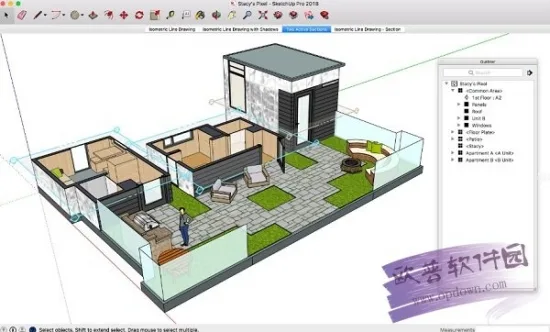
SketchUp introduces Named Sections, allowing users to assign names and tags to sectional surfaces. Similar to components, this feature makes it easier to locate, organize, and edit architectural elements by labeling cutting surfaces. This streamlines the process of finding and modifying specific cut surfaces when needed.
Filled Section Cuts
SketchUp Pro now supports filling cut surfaces. Users can customize the fill color and pattern directly through the style dialog box, which improves the visual clarity of sectional views.
Fast Sections
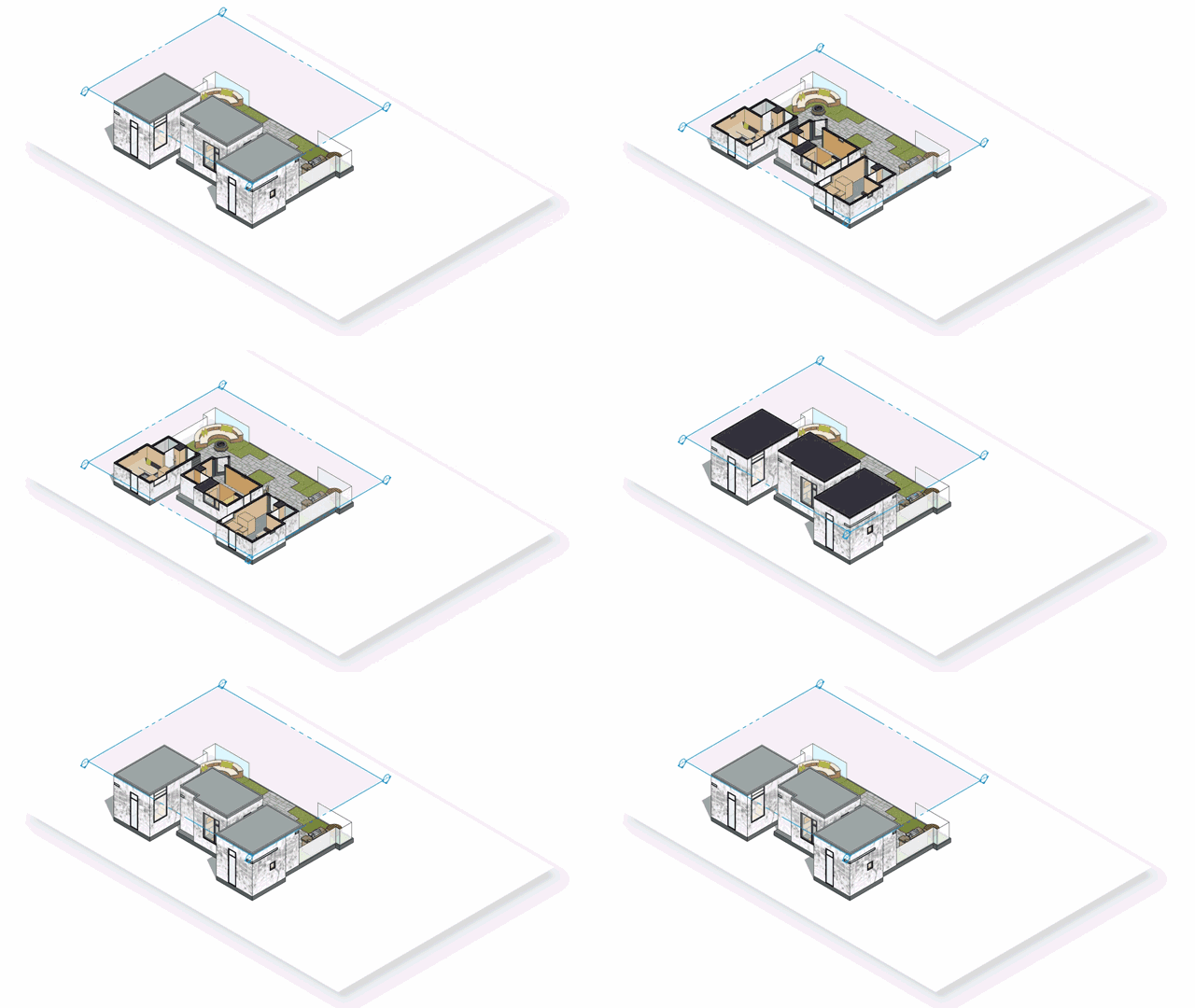
This feature enhances SketchMaster’s overall performance, especially when dealing with complex models that require hiding large amounts of geometry during cutting operations.
Improved Blueprint Drawing
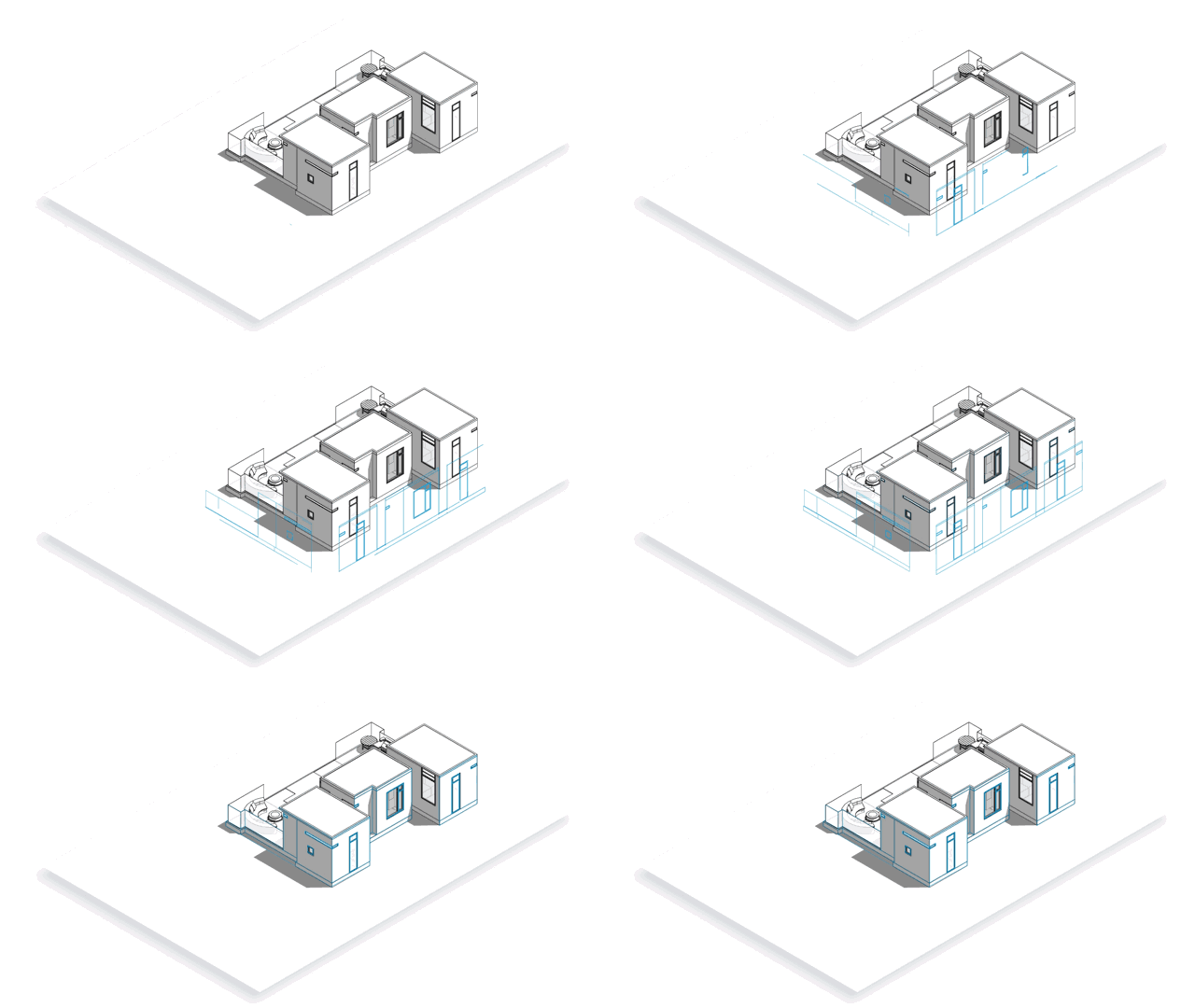
Scaled Vector Drawing: Need to add lines to your model in LayOut? The new SketchMaster version enables inserting drawings at specific scales or creating detailed drawings directly within LayOut.
DWG File Import
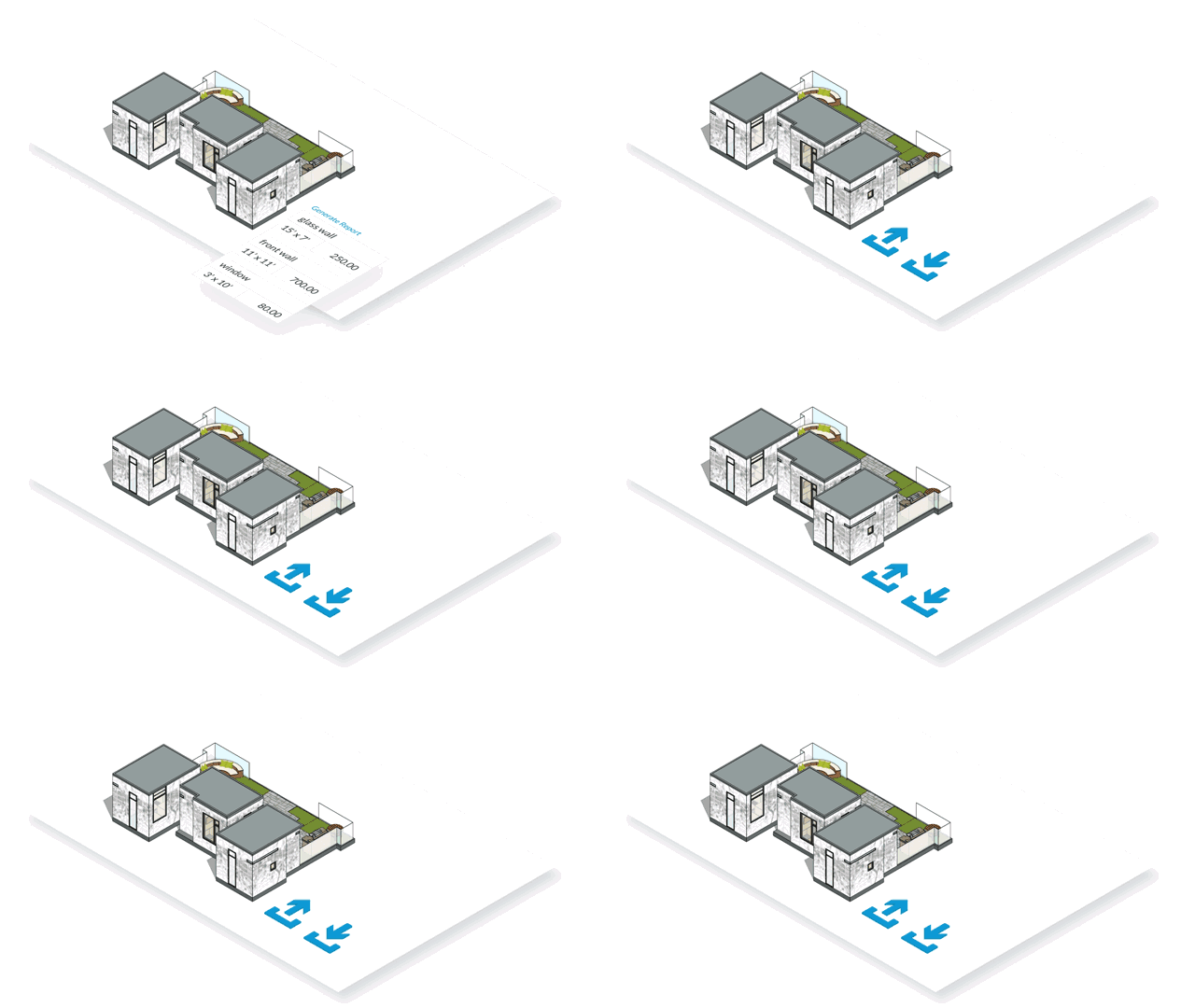
When importing DWG files into the latest LayOut version, illustrations are automatically scaled to match the drawing scale. This ensures that SketchUp project files perfectly align with CAD drawings, improving your experience working with DWG atlases in LayOut. This feature complements other software capabilities and adds significant value.
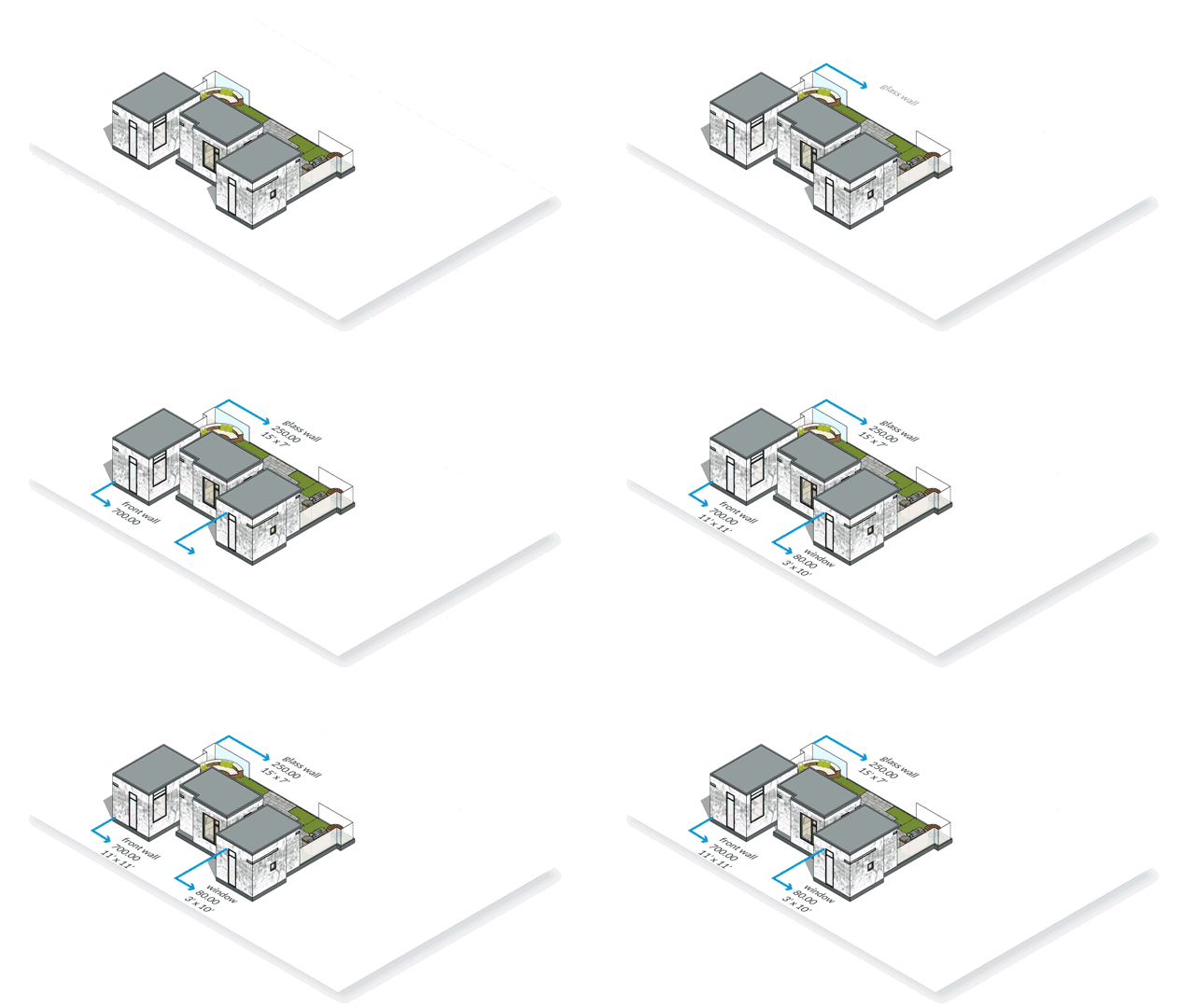
Improved Drawing Tools
LayOut now features enhanced tools such as reference lines, chamfer and fillet functions, arcs, offset arrays, and improved selection capabilities. These upgrades help users create beautifully detailed and accurately proportioned drawings with greater ease.
Enhanced BIM Functionality
Advanced Attributes: SketchUp now allows adding advanced properties to components, including price, size, URL, type, status, and owner (vendor) details. Embedding this information directly into projects has become simpler and more practical than ever.
Aggregated Reports: Users can generate comprehensive reports summarizing component data. These reports assist in calculating plans, parts lists, quantities, and detailed cost estimates by layering component prices.
IFC File Import/Export: To optimize BIM workflows, SketchUp now fully supports IFC files, enabling seamless interaction between different applications. This allows users to confidently manage model properties from IFC files in complex project scenarios.
SketchUp Self-Study Tutorial
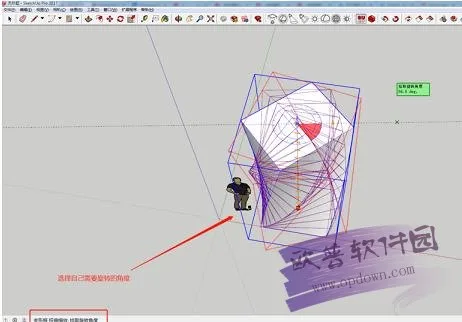
Here’s a step-by-step example of creating twisted buildings:
- Open the installed SketchUp software. A twisted building block is already present, as shown below.
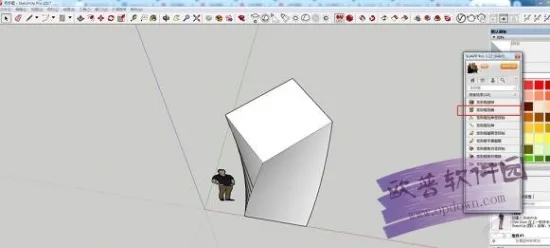
- To use SketchUp Sketch Master, convert the shape you want to twist into a component, then click the “Shape Box Distortion” option.
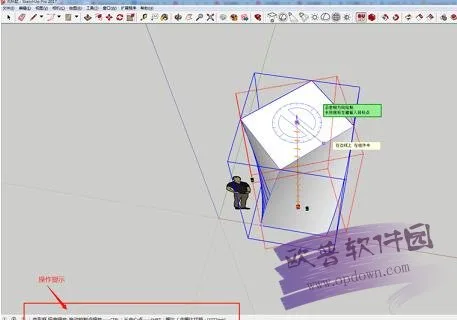
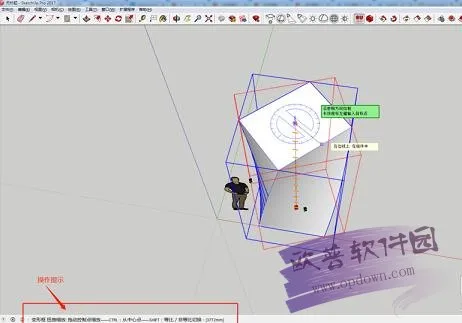
- Follow the on-screen prompts in SketchUp, select your desired rotation angle, click confirm, and the twisted shape will be created.
SketchUp Shortcut Keys
- Display/Rotate: Middle Mouse Button
- Display/Pan: Shift + Middle Mouse Button
- Edit/Guides/Display: Shift + Q
- Edit/Guides/Hide: Q
- Edit/Undo: Ctrl + Z
- Edit/Discard Selection: Ctrl + T; Ctrl + D
- File/Export/DWG/DXF: Ctrl + Shift + D
- Edit/Group: G
- Edit/Explode/Cancel Group: Shift + G
- Edit/Delete: Delete
- Edit/Hide: H
- Edit/Display/Select Object: Shift + H
- Edit/Display/Select All: Shift + A
- Edit/Create: Alt + G
- Edit/Repeat: Ctrl + Y
- View/Virtual Hide Objects: Alt + H
- View/Axis: Alt + Q
- View/Shadow: Alt + S
SketchUp 2022 System Requirements
(Minimum configuration requirements from 2020, required for SketchUp 2022)
- CPU: Intel Core i5 2300, 2.8 GHz base clock, up to 3.1 GHz turbo, 4 cores/4 threads, 32nm process, LGA 1155 socket, Sandy Bridge architecture.
- Motherboard: ASUS P8Z68-V LX with Intel Z68 chipset, supporting Intel Core i7/i5/i3 CPUs with LGA 1155 socket; includes 4 DDR3 DIMM slots supporting up to 32GB RAM, 2 PCI-E x16 slots, USB 2.0 and 3.0 ports, SATA II and III interfaces, ATX form factor.
- Memory: 4GB DDR3 1333 MHz (single module), PC3-10600, 240-pin DIMM.
- Hard Drive: HGST 7K1000.D, 1TB 7200 RPM, 32MB cache, SATA 3.0, 3.5-inch form factor.
- Graphics Card: Sapphire HD6870 1GB Vapor-X OC, AMD Radeon HD 6870 chip, 40nm process, 940 MHz core clock, 4600 MHz video memory clock, GDDR5, 256-bit memory interface, cooling fan, dual Mini DisplayPort, HDMI, and dual DVI outputs.
- Chassis: Cool Cool Supreme Destroyer RC-K100, vertical style, supports MATX and ATX motherboards, 7 expansion slots, black SECC steel construction.
- Power Supply: ANTEC VP550P, ATX 12V 2.3, 550W rated power.
- Cooling: Overclocking Triple Red Sea Ultimate Edition, air-cooled CPU heat sink.
- Display: LG IPS225T LED, 21.5-inch wide-angle display, 16:9 aspect ratio, 1920×1080 resolution, IPS panel with LED backlight, 5ms response time, 178° viewing angles, 16.7 million colors, D-Sub (VGA) and DVI-D inputs.












Download information error