
Using Dynamo’s modules directly to establish logical relationships can often be cumbersome, especially when dealing with methods, loops, and similar constructs. Writing Python code, however, can make the process much more efficient and effective.
Let’s start by writing a simple Python script: “Hello Dynamo.”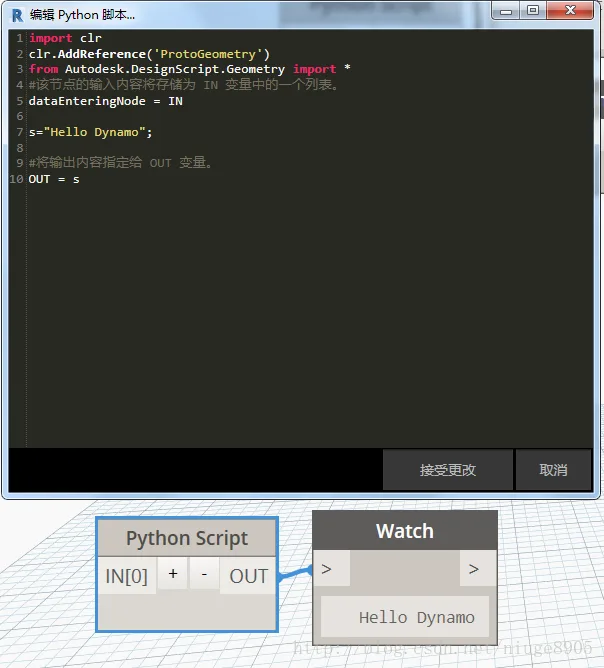
Next, we’ll use a Python code block to draw a line.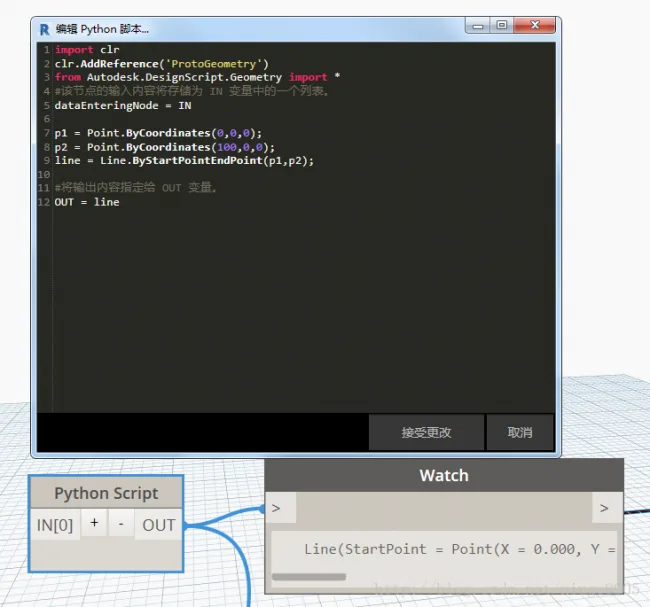
Now, let’s explore data input and output. Here, IN represents input as an array, while OUT is used for output. This example demonstrates the appropriate use of conditional statements.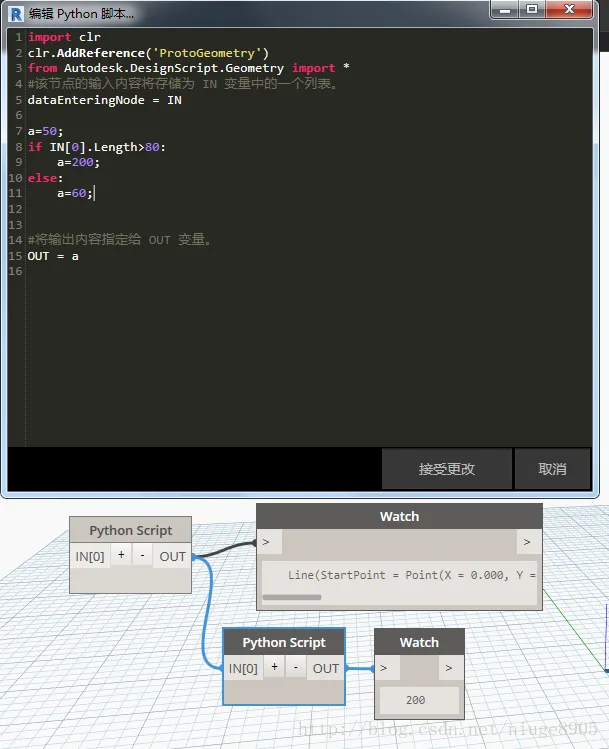
Here is another example featuring loop statements and the use of lists.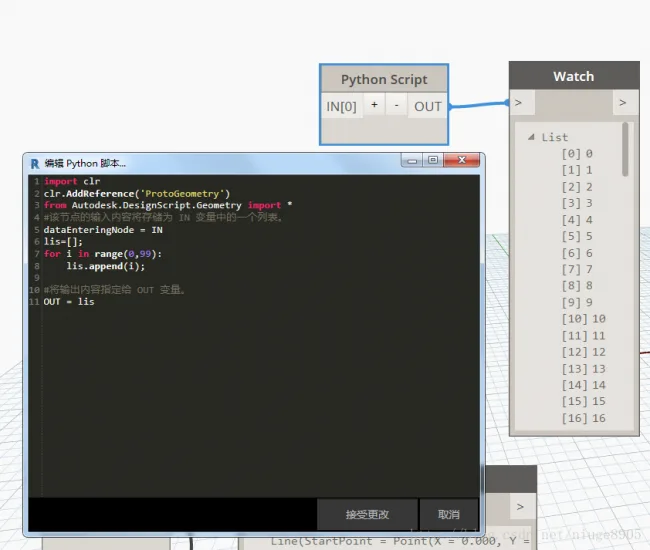
Finally, we demonstrate the use of the following method.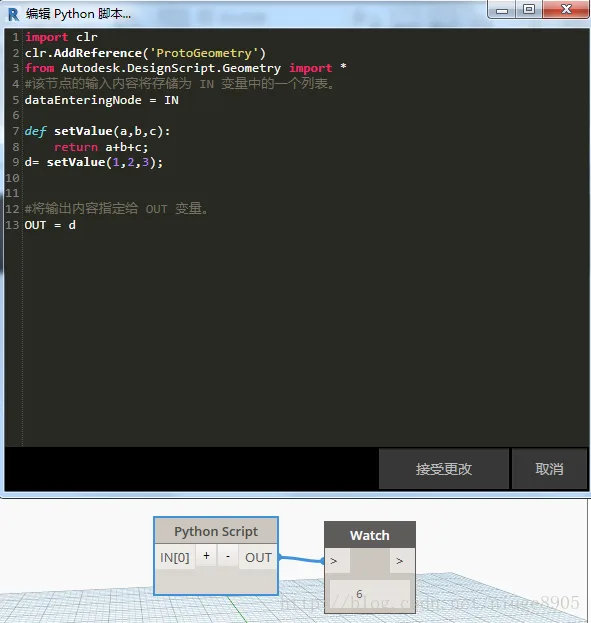
In summary, gaining a basic understanding of Python syntax can be achieved in just a few minutes. From there, learning C# for advanced development becomes easier before transitioning fully to Python.














Must log in before commenting!
Sign Up