
Lumion Pro 8.0 Chinese version is a professional 3D landscape animation software known for delivering stunning images through fast and efficient workflows. It saves you time, effort, and money by enabling you to create virtual reality scenes directly on your computer. Lumion dramatically reduces production time by rendering high-definition videos faster than ever. Watch the video to see how you can produce amazing architectural visualizations in seconds.
New Features in Lumion 8:
Style
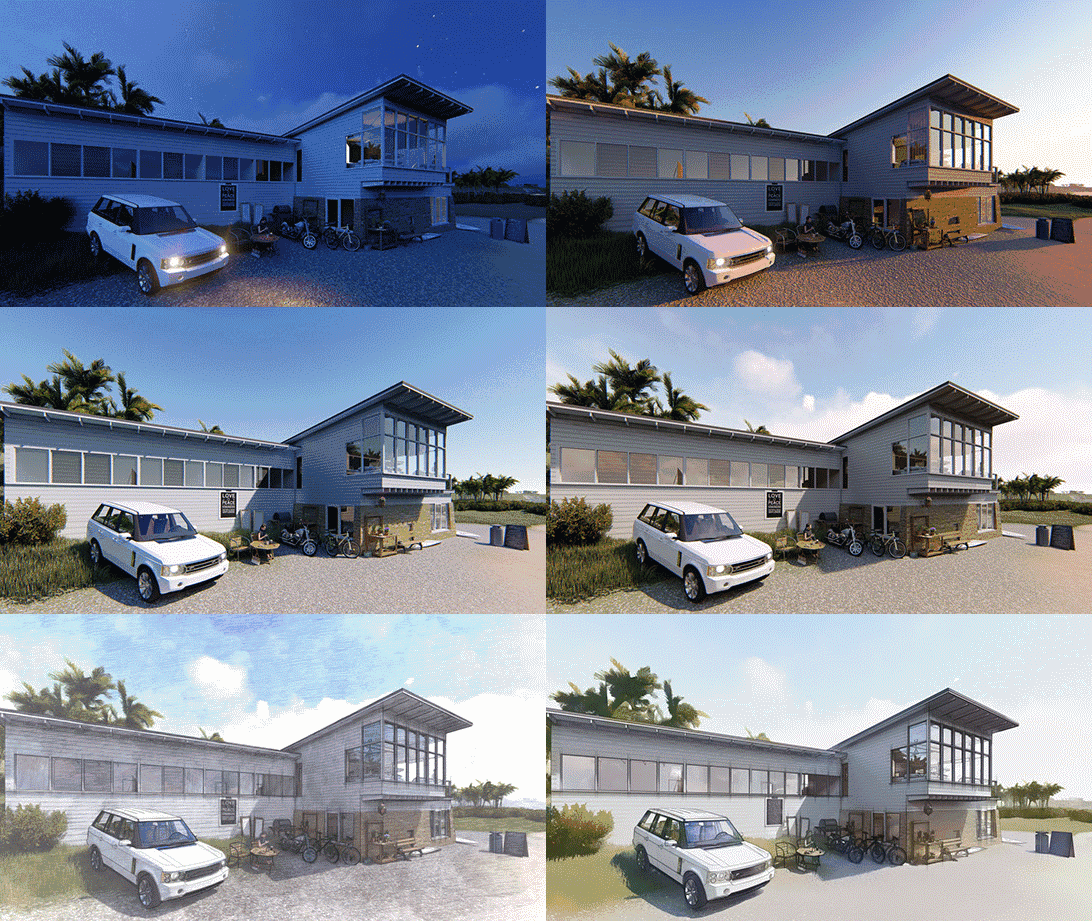
Are you still struggling to find the perfect effect and adjust balance sliders? Once you’ve decorated your 3D model with Lumion materials and objects, just click the style button and choose from internal or external styles. Instantly, you’ll see an exciting new rendering. Lumion offers fast rendering and easy selection of personalized styles, allowing you to create a unique look with a much faster workflow.
The Light of the Sky
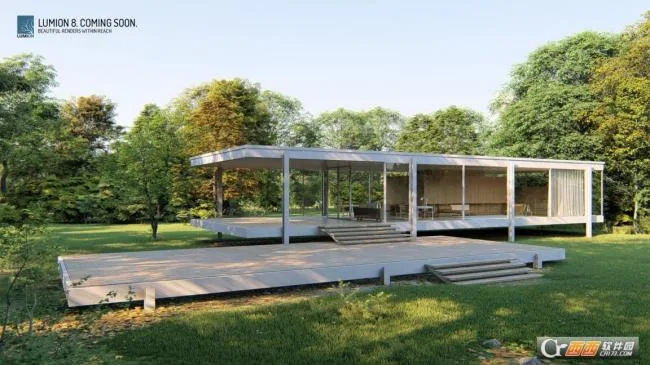
Sky Light is an advanced daylight simulator that softens and scatters ambient light on the site. Combined with “soft shadows” and “detailed shadows,” it enhances the realism of your scenes. Leaves and trees look lifelike, while buildings, people, and landscapes blend naturally into their environment.
Soft and Delicate Shadows
Creating realistic shadows can be challenging. Lumion 8 introduces “Soft Shadows” and “Detail Shadows” effects that instantly soften shadows and add hundreds of intricate details. This creates a realistic sense of depth, making your unbuilt designs feel tangible and real.
Hyperlight for Videos
Hyperlight improves lighting quality and accuracy. With Lumion 8, you can apply Hyperlight effects when rendering videos, whether for interior or exterior animations. This feature enhances ambient and artificial lighting, making materials and textures truly stand out. Buildings, people, and foliage blend seamlessly into their surroundings, boosting the realism of your video lighting.
Customize Your Renderings with New and Improved Effects
Hand Drawn Silhouette (Pro Version Only)
Lumion 8 lets you clearly communicate your design’s form using the “hand drawn” contour effect. Combine it with realism, sketching, or artistic effects to emphasize your building’s overall shape — a beautiful and effortless way to showcase your design’s skeleton.
Model and Material Changes (Pro Version Only)
Wondering if the wooden floor matches the stone wall? Want to compare design options with your client? The new change control effect simplifies comparing materials and models, accelerating your workflow by helping architects research and communicate design solutions efficiently.
Improved Color Correction
Is the color too cold, dull, or overexposed? Lumion 8 offers enhanced color correction tools. Adjust color temperature for a warm mood, increase saturation for vibrancy, or soften harsh contrasts by lightening shadows.
The Time Tunnel
Sometimes animated objects like seagulls or people move at the wrong moment. The new Time Tunnel effect lets you offset animation timing for characters, animals, and objects. Shift animation frames backward or forward to ensure every pose is perfectly timed.
New Layer Functionality
Lumion 8 improves layer effects, making them easier than ever to apply. You can display selected layers in images or animations, streamlining your workflow. Assign design sub-parts to different layers to clearly demonstrate project stages.
New and Improved Camera Effects
Tilt Shift (Pro Version Only)
Some models look better as physical maquettes. The new Tilt Shift effect gives your design a miniature, microcosm appearance by adjusting the focal plane, blurring foreground and background, and turning your CAD model into a realistic scaled-down version.
Handheld Camera Effect “Look at Fixed Point”
Create compelling first-person videos that never miss the key parts of your design. Lumion 8 adds a “View Fixed Points” option to the handheld camera effect, allowing you to lock the camera onto a single target point.
2-Point Perspective Slider
Lumion 8 introduces a two-point perspective slider, giving you precise control over perspective correction. Adjust tilted structures and straighten lines for a cleaner, more realistic geometric look.
New Grouping Function for Intelligent Scene Editing
Group multiple objects—such as trees, plants, cars, people, furniture, lights, and decorations—for easier control. Rotate, scale, and move grouped items without disturbing your setup, giving you complete mastery over your scenes.
Placing Large Numbers of Curved Shapes
Garden designers will appreciate this! Lumion 8 allows you to place many objects along complex curves with quality configuration. Plant trees along curved garden lines or fill roads with cars effortlessly. Hold CTRL to control corner smoothness and place objects along any winding shape.
New Measurement Tool (Pro Version Only)
Measure distances between furniture or garden perimeters quickly without returning to modeling software. This tool improves workflow by verifying accuracy and scale directly on-screen.
OpenStreetMap Integration
OpenStreetMap helps you place your designs in real environments. Lumion 8 now allows you to hide or show imported OSM buildings, enabling you to position your model in cities like New York without unwanted buildings obstructing your view.
More New Materials and Objects
Beautiful Water Effects
From seaside views to city fountains and swimming pools, Lumion is known for lifelike water effects. Lumion 8 adds 20 new water presets with enhanced realism, including calm surfaces, transparency, and ripples — creating stunning water scenes with just one click.
Softening Hard Edges (Pro Version Only)
Real-world surfaces rarely have perfectly sharp edges. Lumion 8’s new edge slider lets you smooth and weather edges for a more natural, aged look. Soften corners of bricks, concrete, wood, and other materials effortlessly to create more realistic buildings.
168 New Realistic Materials
Lumion 8 includes 168 new materials, featuring 100 high-definition options from Poliigon. Add lifelike textures like city sidewalks, cobblestones, concrete, stone, fabrics, and wet glass. These materials help viewers “touch” walls, “smell” leather sofas, and “hear” footsteps on floors, enhancing immersion.
Material Library Highlights:
- 20 new water presets with unique colors and styles
- 17 new soil types including gravel and pebbles
- 51 new metal materials
- 15 new concrete and 23 new stone materials
- 12 urban street sidewalks
- 10 new wallpapers
- 1 wet glass material (Pro only)
All materials are high quality and customizable with weathering, soft edges (Pro only), and other effects. Lumion 8 Pro now offers a total of 1,019 materials.
New Content Library Objects (Professional Version Only)
Lumion 8 adds 734 new high-definition objects for indoor, outdoor, landscape, and urban scenes. These include detailed birch and maple trees, luxury sports bikes, animated dog walkers and cyclists, plus hundreds of new interior decorations and food items that bring your designs to life.
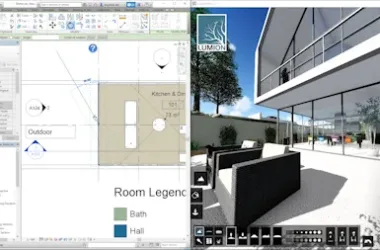
Software Screenshot
Lumion Pro 8.5 Chinese Version











Must log in before commenting!
Sign Up